Photoreal Earth
Detailed day surface, terrain relief, sun glints on the oceans and city lights at night, built from NASA imagery.
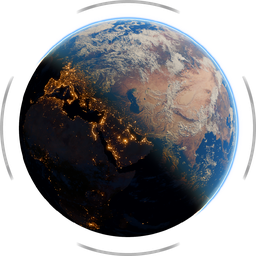 EARTHFRAMESTUDIO
Real-time Earth renderer for Windows
Place the sun, frame the Earth and hit render. Photorealistic stills up to 16K and smooth MP4 or ProRes video, in minutes, with no 3D skills needed.
Free demo for Windows
Every feature of the full version, with exports up to 1080p and a watermark. Register with your email and the download starts right away. We'll also send you the link.
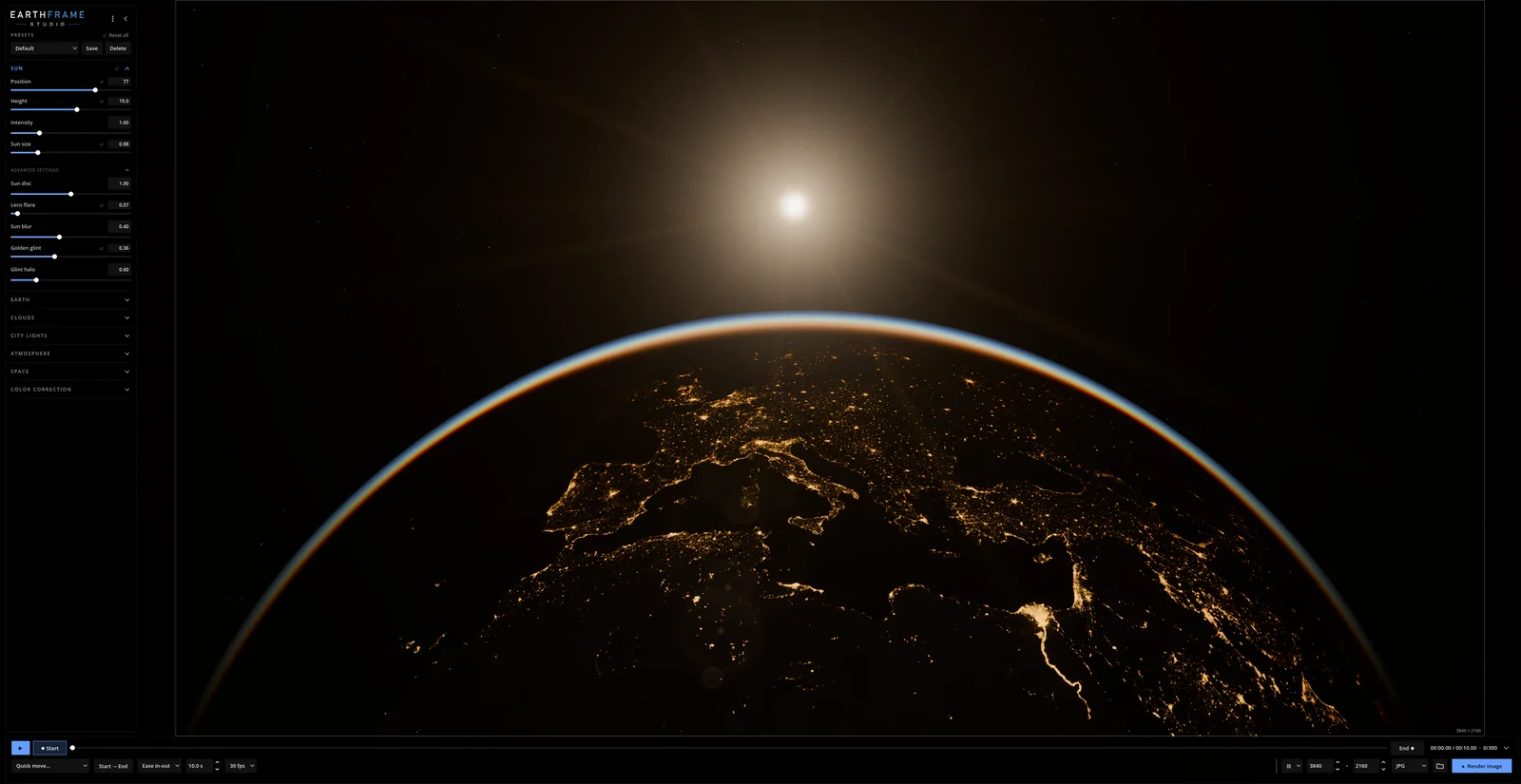
What you see is what you render
Orbit the Earth with your mouse, drag a slider to move the sun and watch the light change instantly. Every look is built from essential controls first, with advanced settings one click away.
If you already work in 3D, it saves you hours of building, texturing and lighting an Earth scene from scratch. If you don't, you won't need to.
Animation
Place the camera, the sun and the look of the first frame.
Move closer, turn the planet, bring the night in. Change anything.
Everything in between is animated for you. Pick the duration and easing, preview, done.
Every setting has a small ◆ switch: animate only what should change, and the rest stays the same for the whole shot. Or pick a quick move, like an Earth rotation, an orbital sunrise or day to night, and tweak it from there.
Detailed day surface, terrain relief, sun glints on the oceans and city lights at night, built from NASA imagery.
Real cloud shadows that stretch into long curtains at sunrise and sunset, self-shadowing and parallax.
Light scattering for the blue edge glow, haze near the horizon and warm sunsets along the day/night line.
A visible sun with a warm lens flare, star rays and a soft glow.
Show only the city lights, or reveal the moonlit terrain beneath them.
An adjustable star field with an optional, subtle Milky Way.
Exposure, contrast, saturation and gamma for the image, the surface, the clouds and the city lights.
Export PNG or WEBP with an alpha channel, keeping the planet and its atmosphere glow.
Choose the detail level that fits your graphics card, from modest PCs to razor-sharp close-ups.
Inside the app
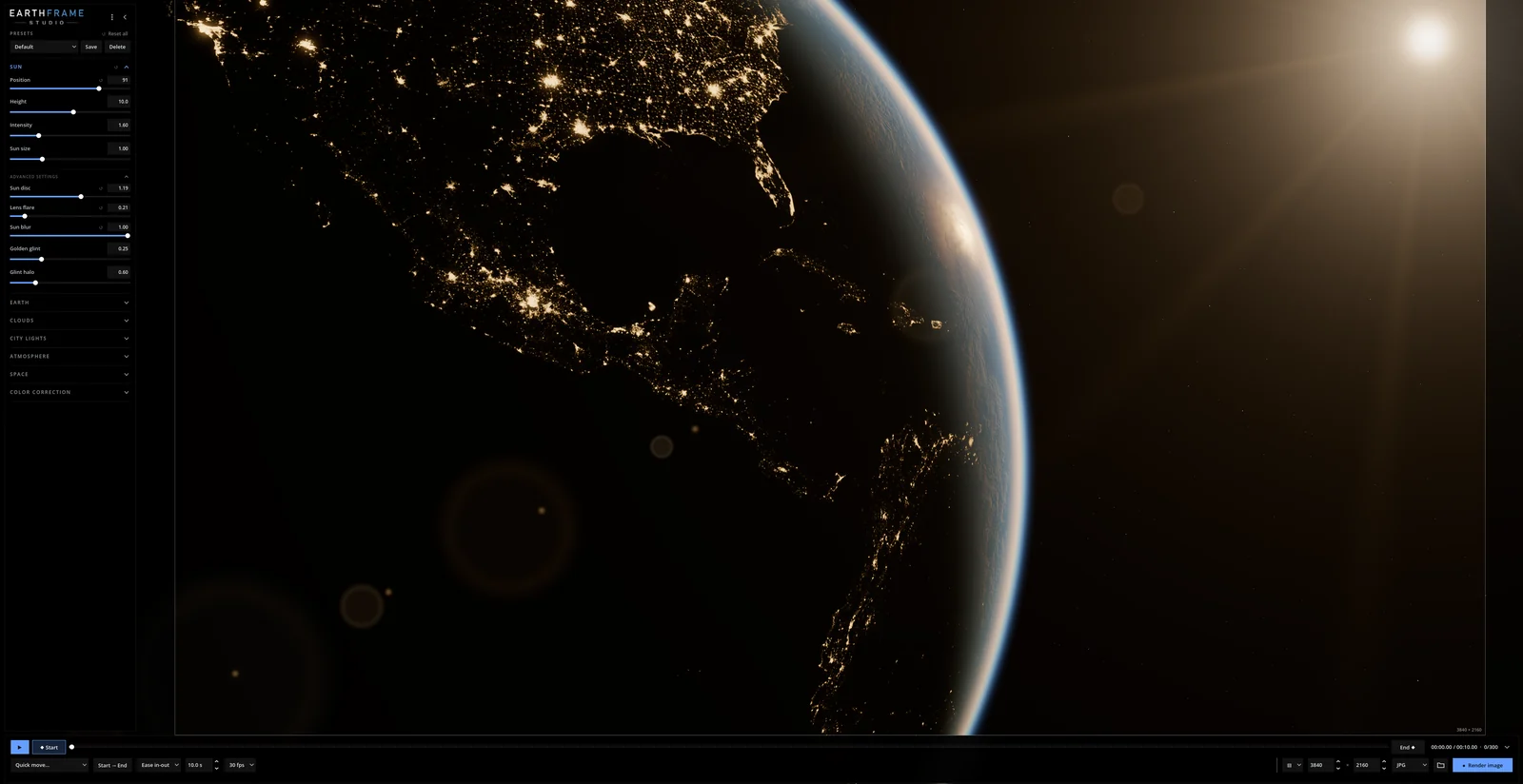
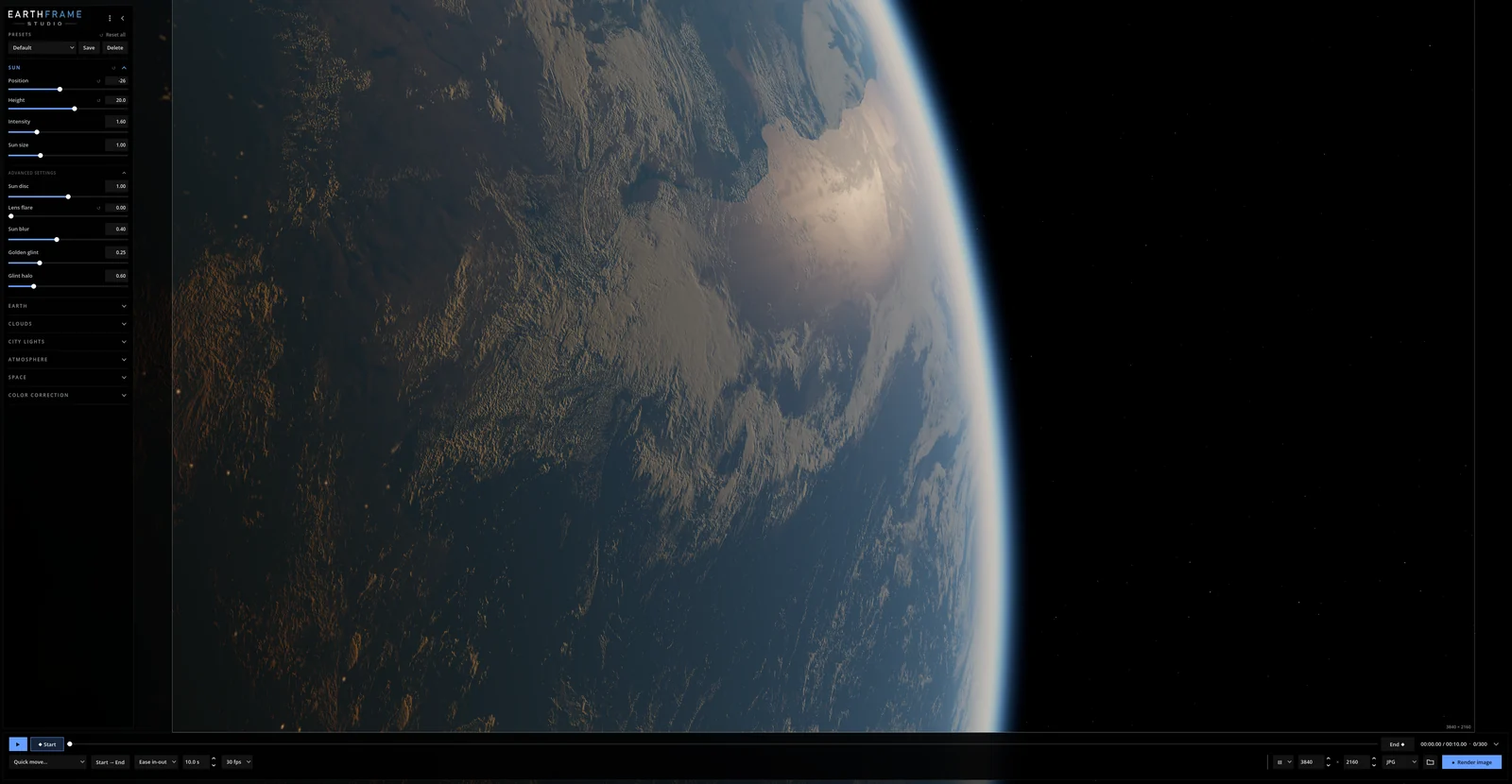
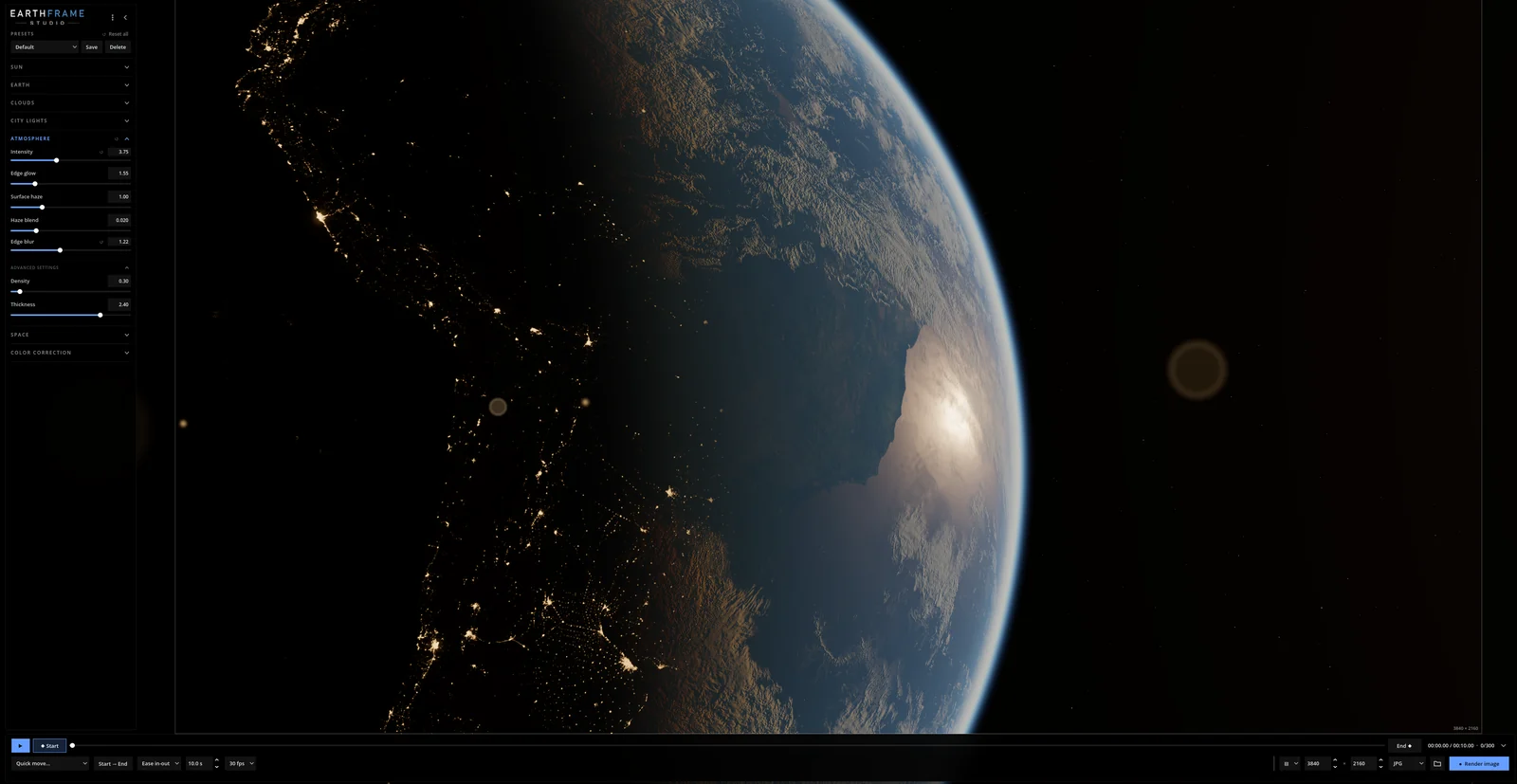
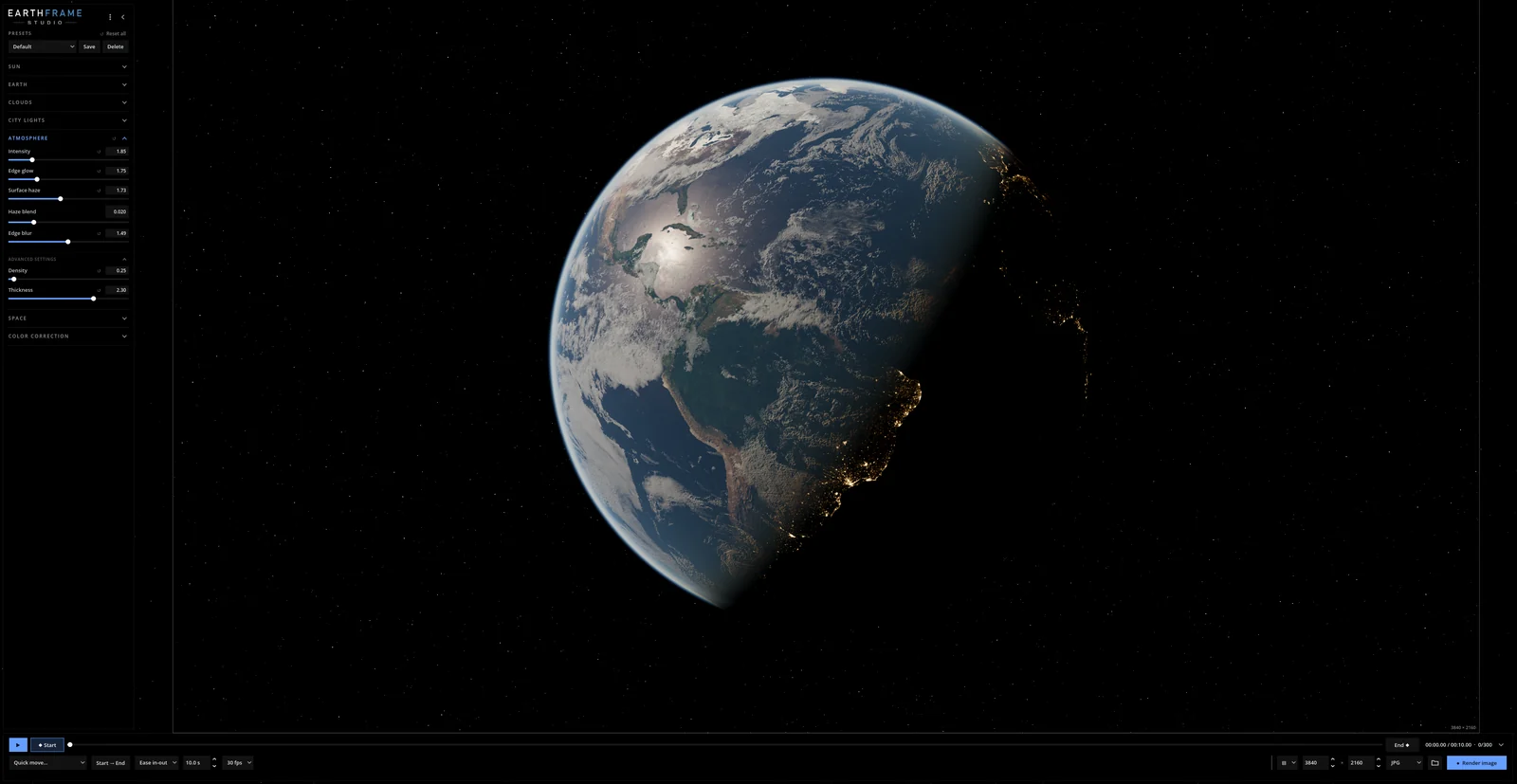
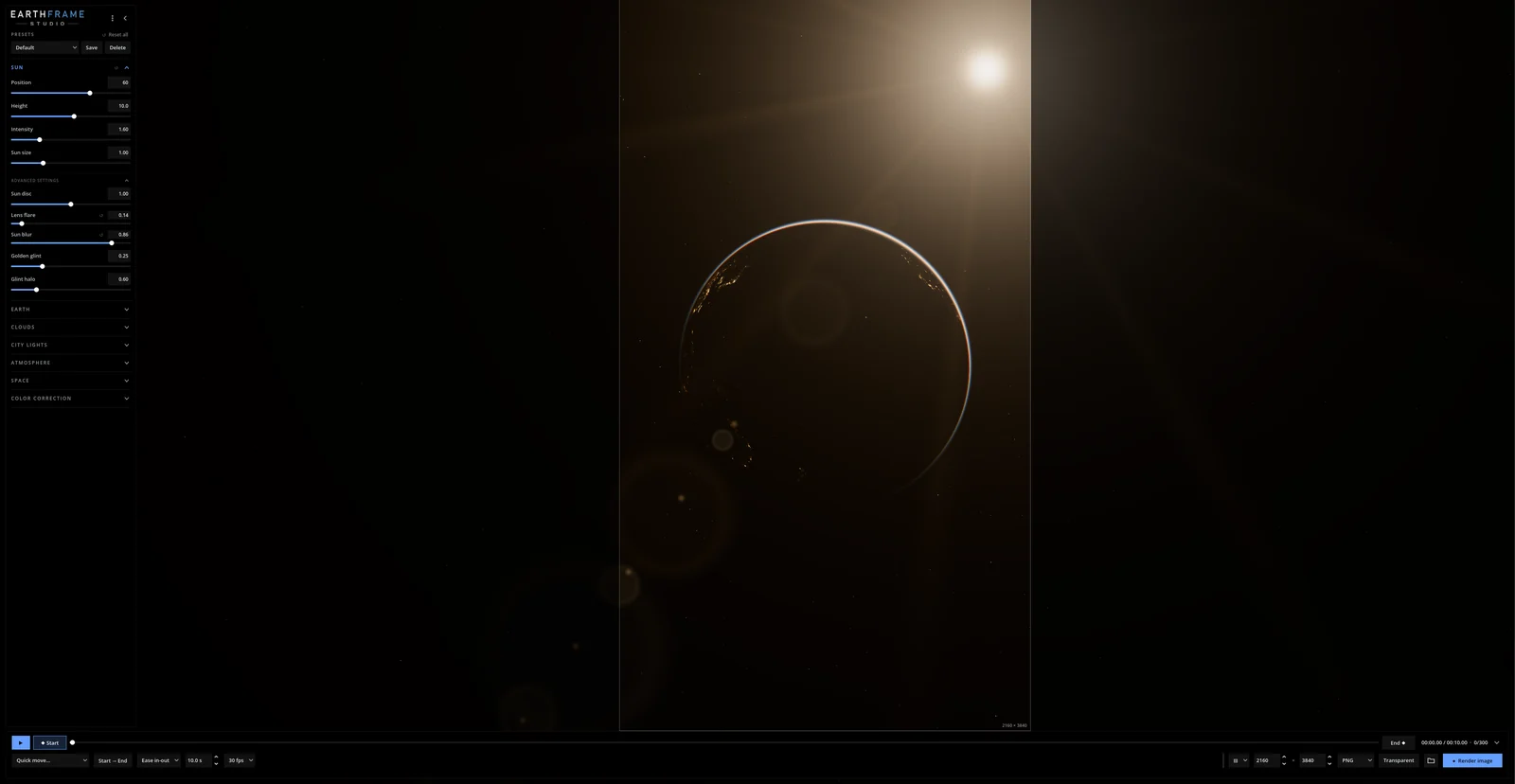
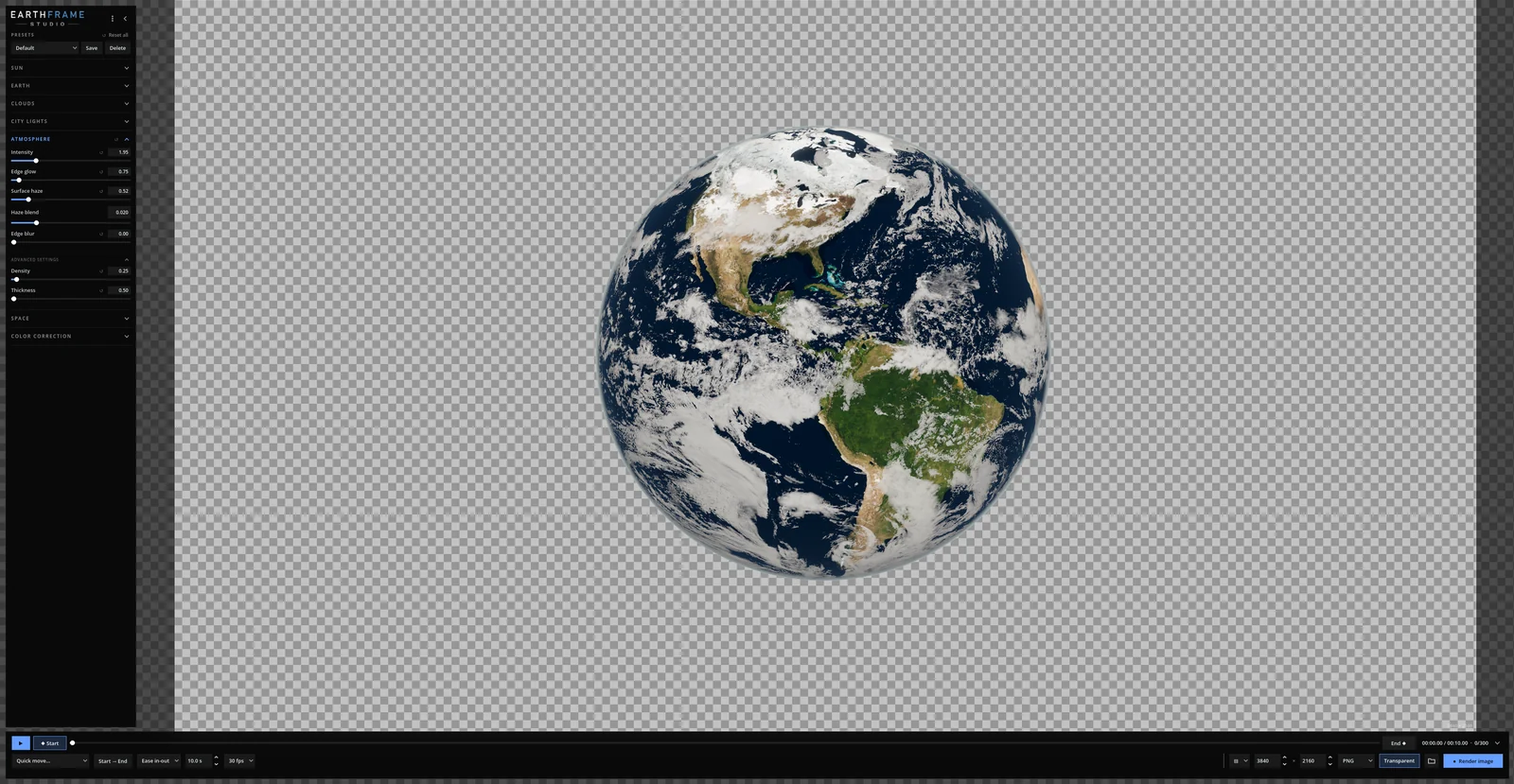
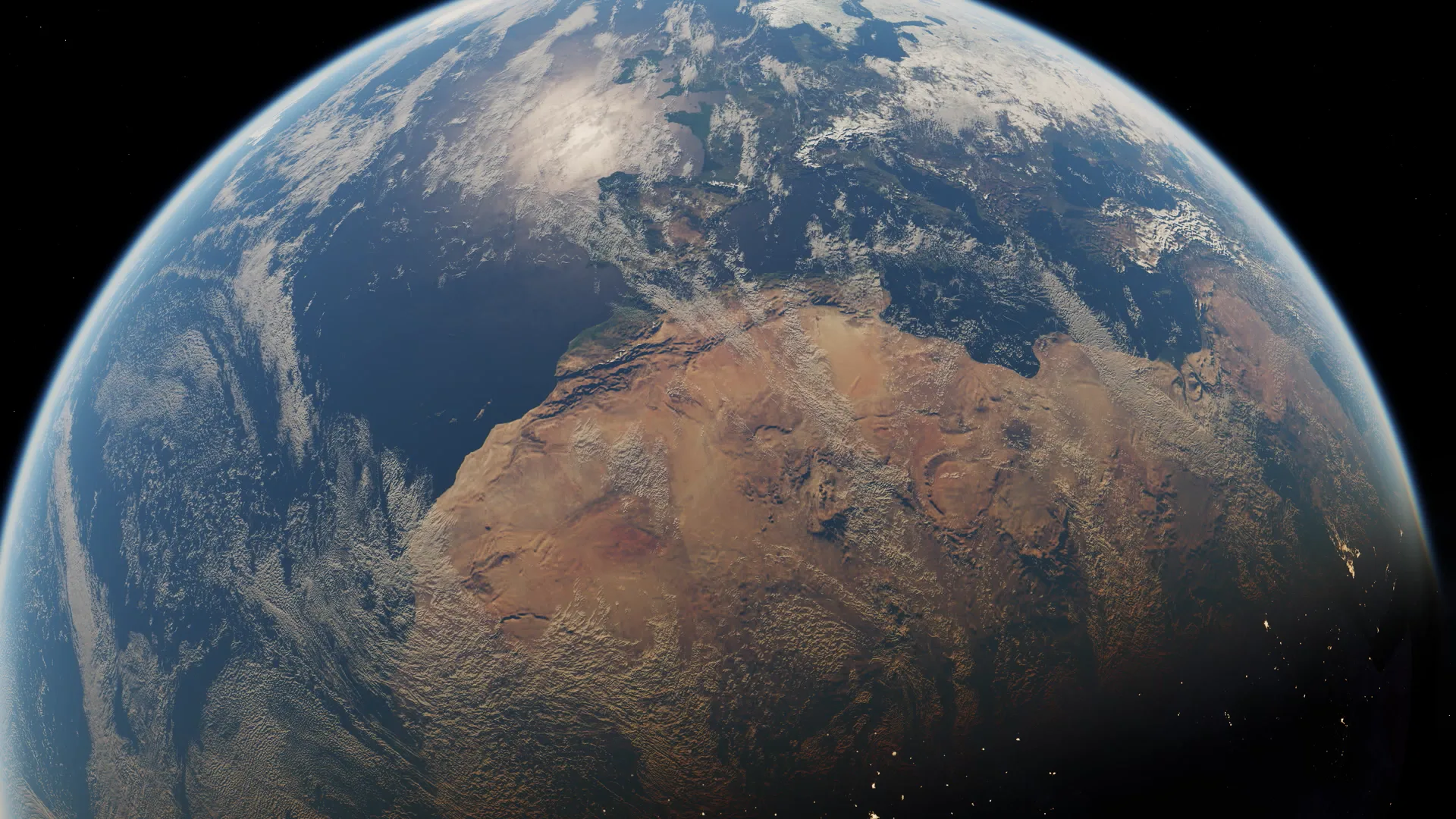
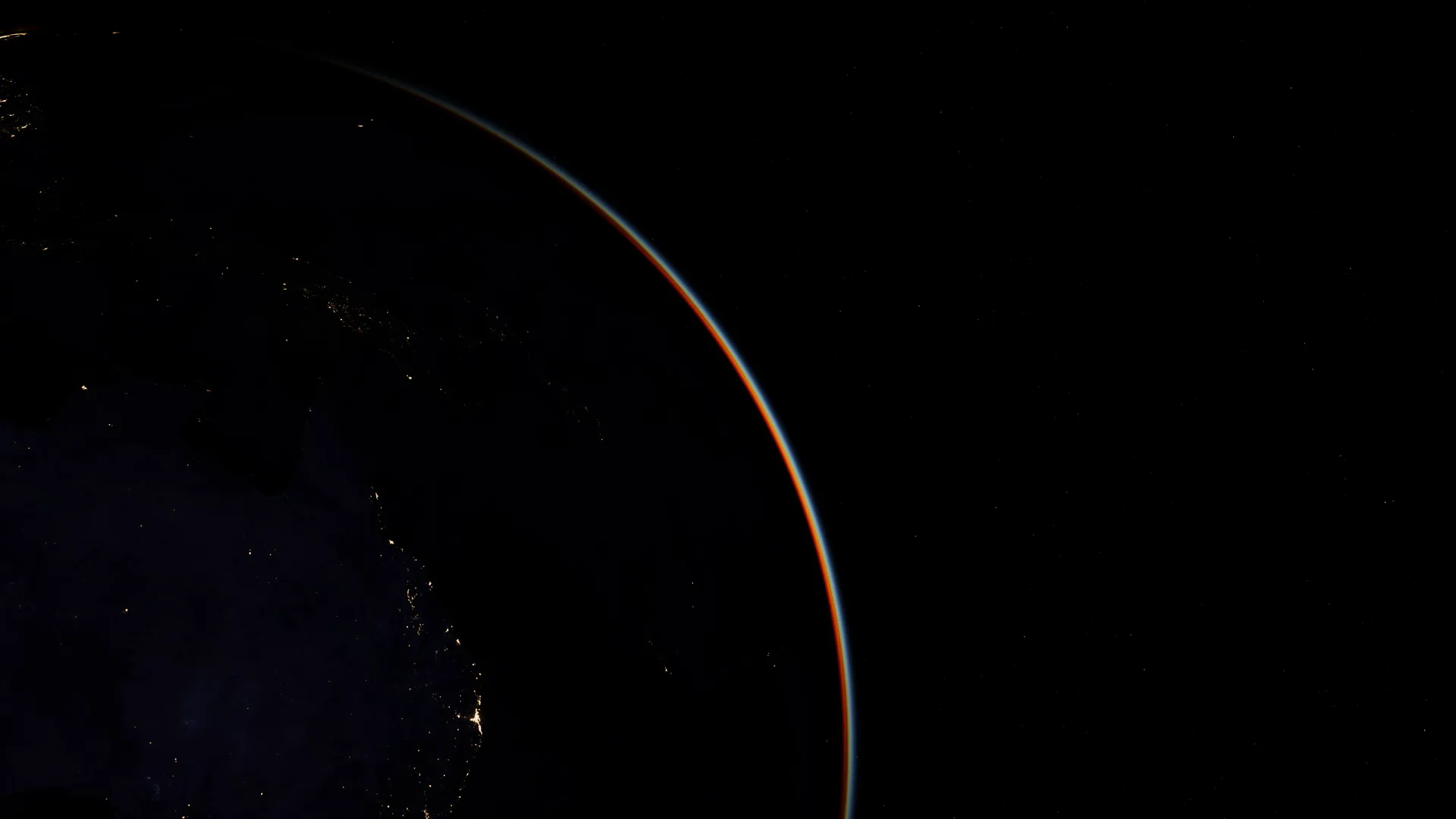
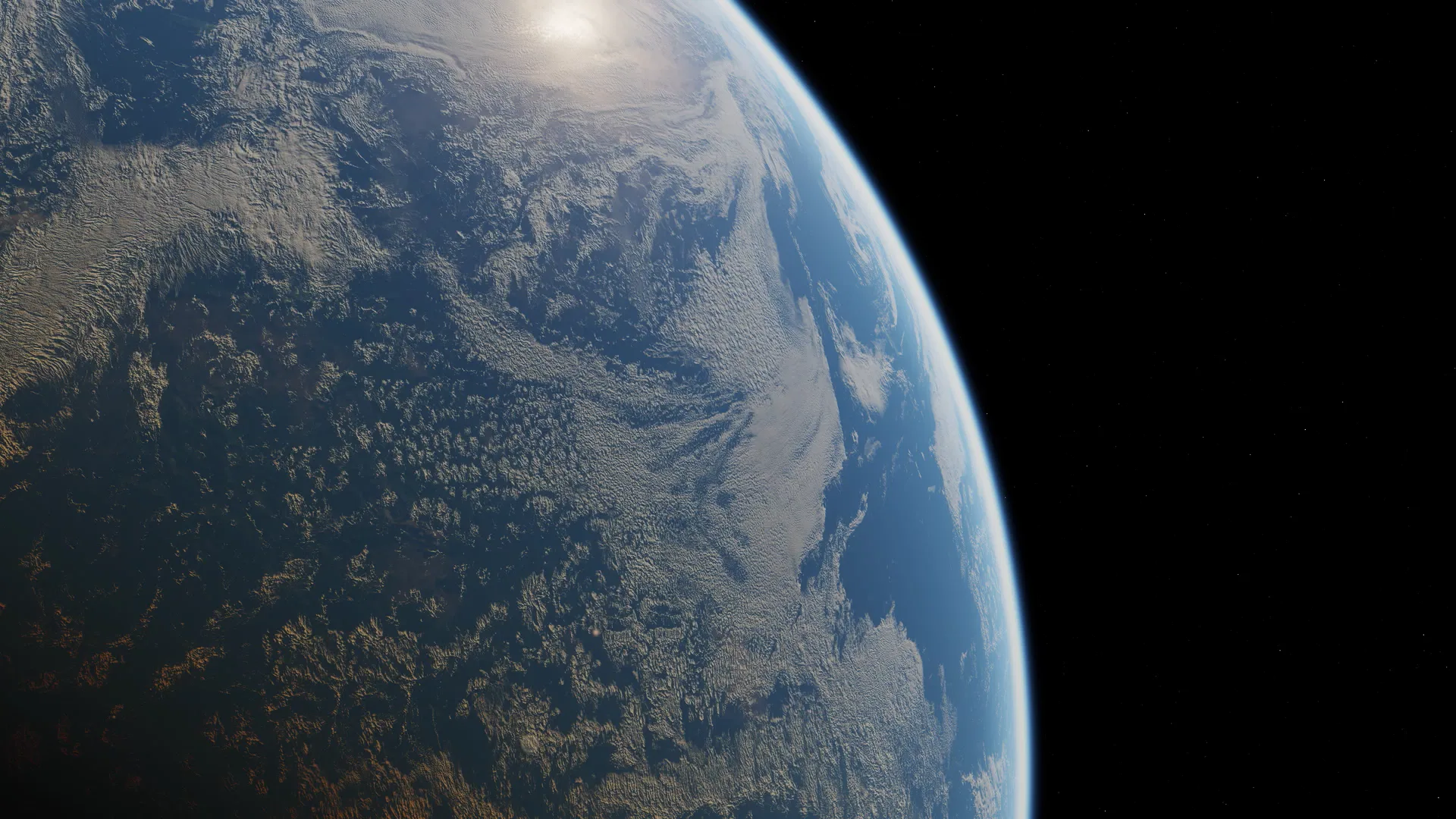
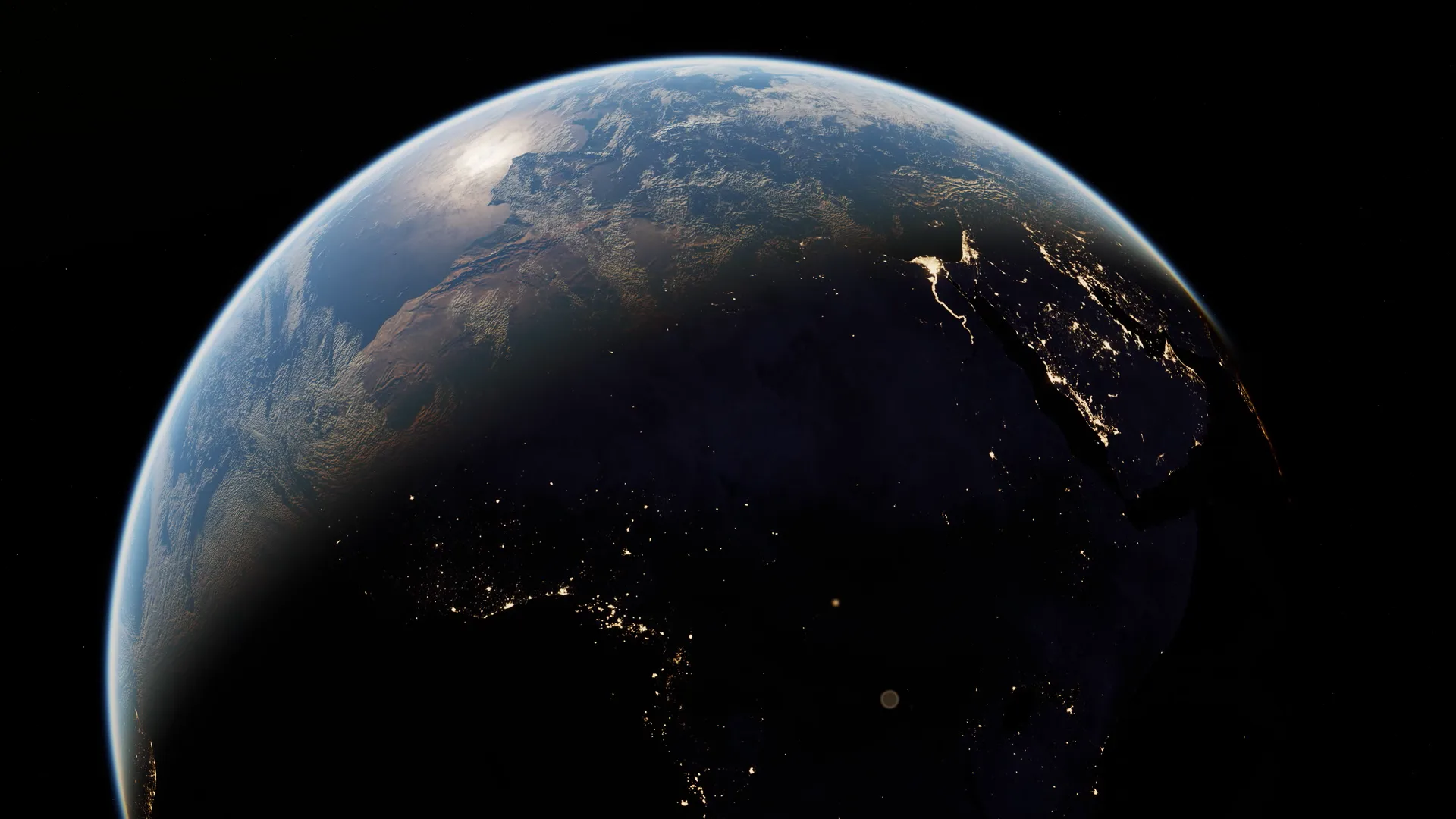
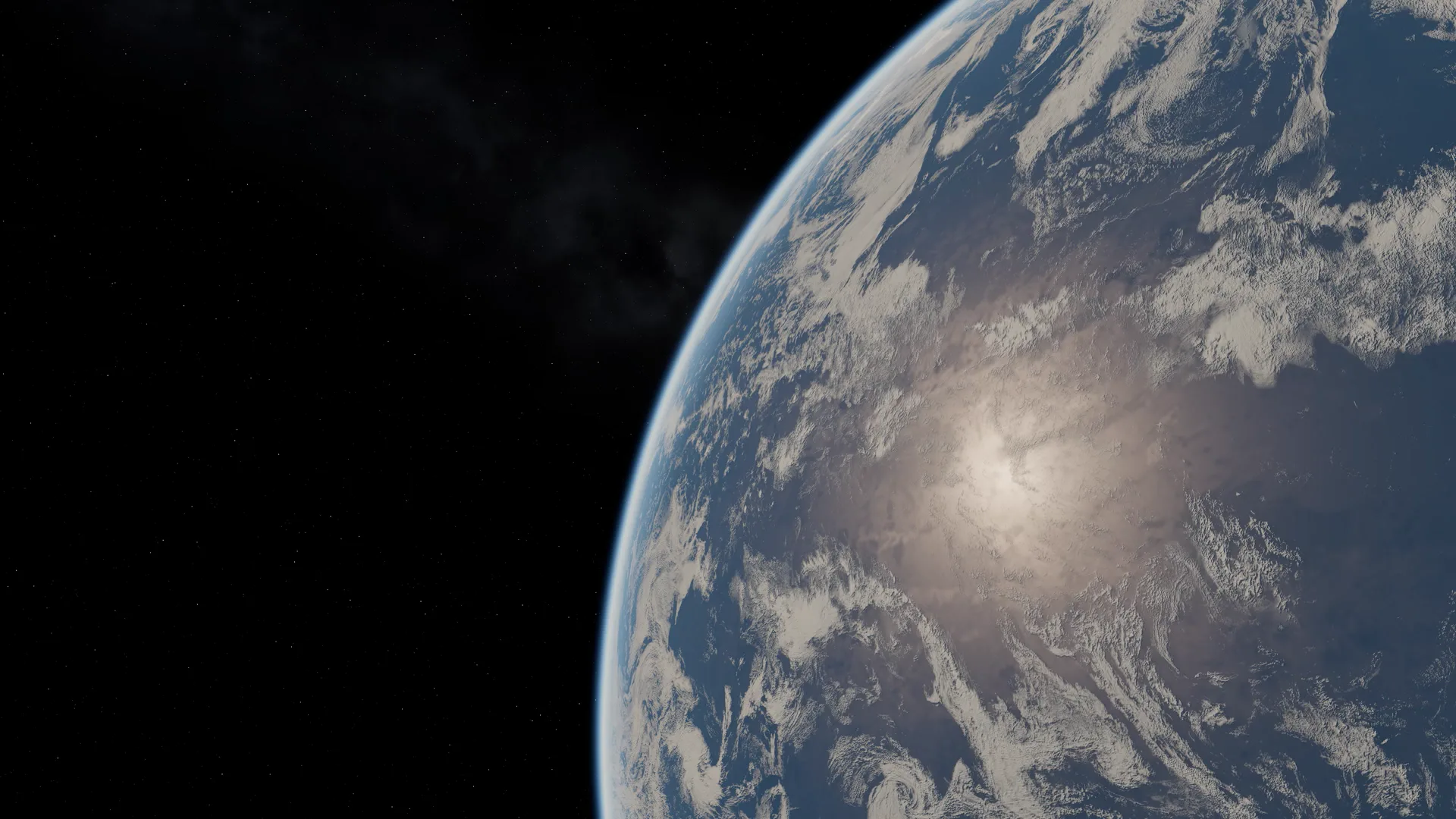
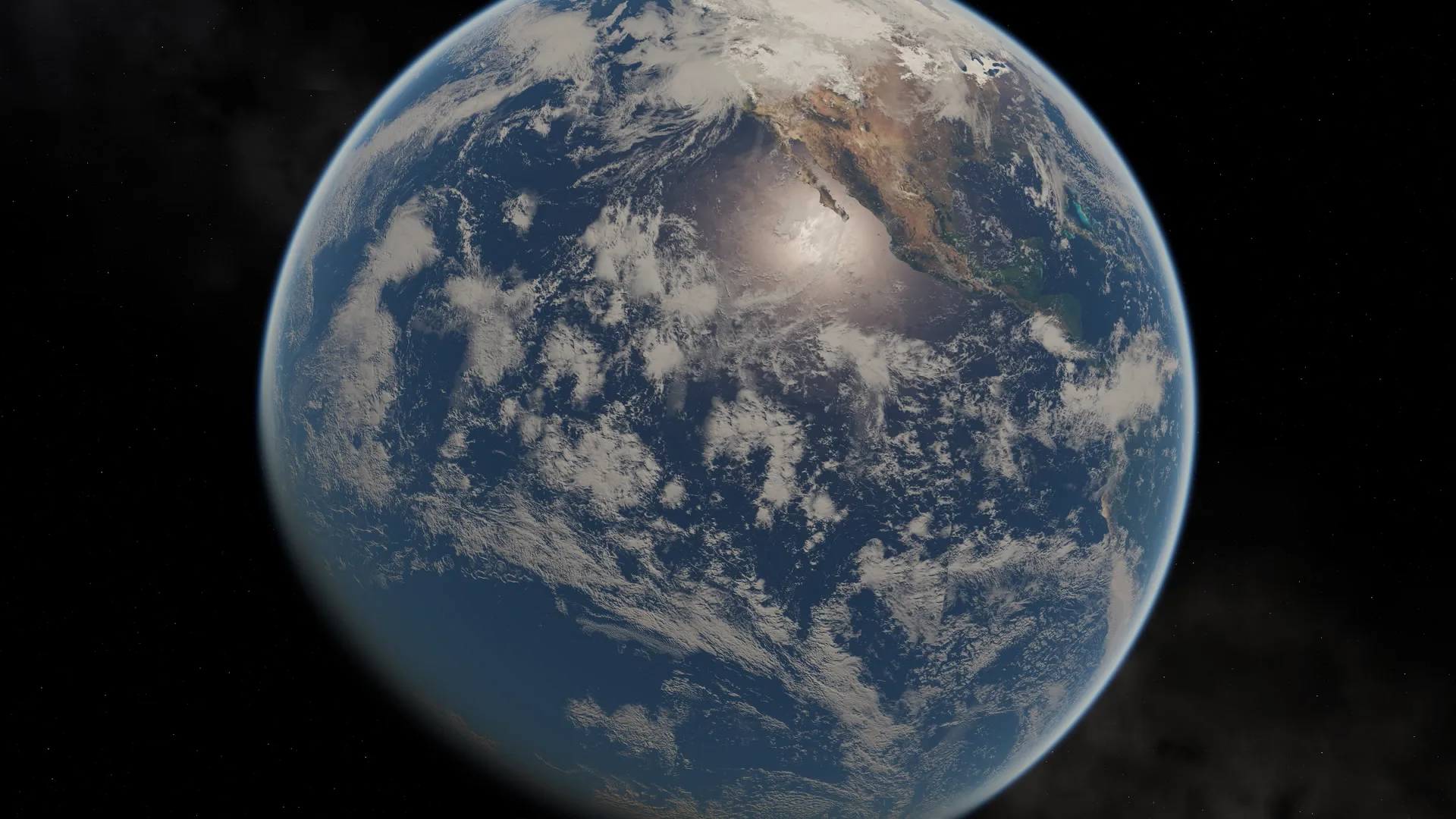
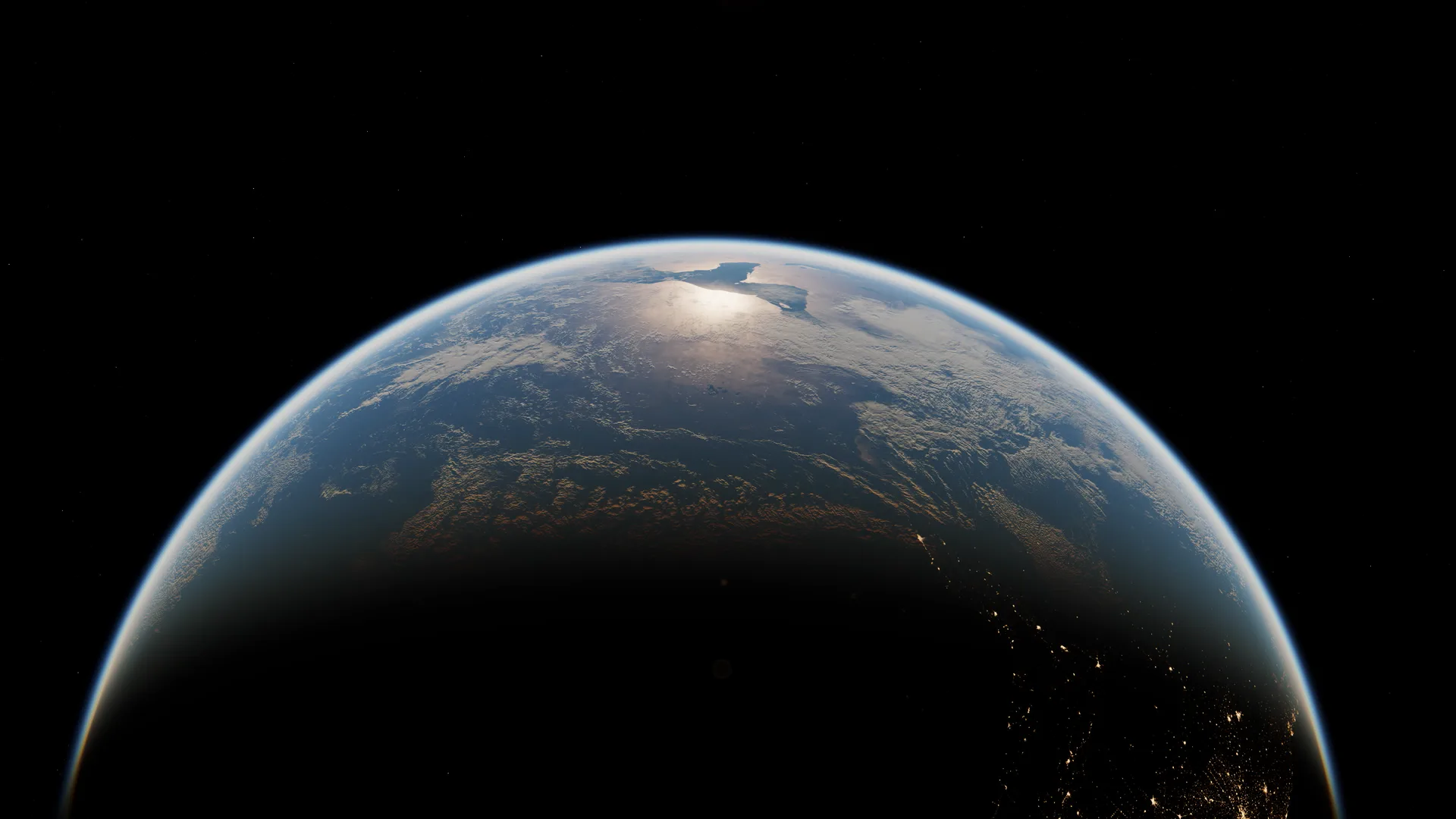
Design the exact shot you need: where the sun is, which part of the world is in frame, day or night, how the camera moves and at what resolution. Make as many versions as you want for every project, without paying for each clip.
Everything you create with Earthframe Studio can be used in your personal and commercial projects.
Leave your email and we'll let you know the day Earthframe Studio goes on sale, with the launch discount.